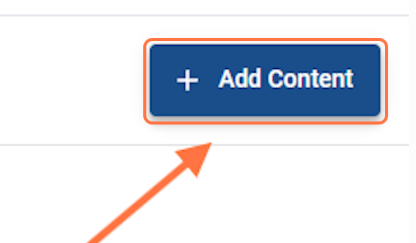
Step 1 — Open Add Content.
From the open presentation, select Add Content.
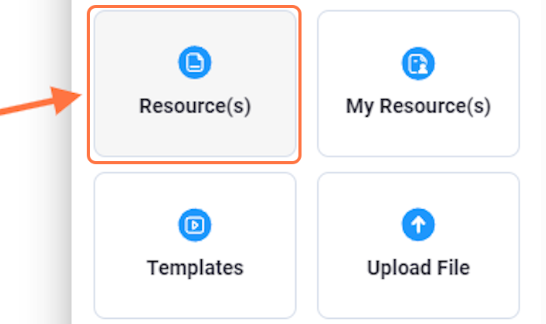
Step 2 — Choose a content source.
Choose where you want to retrieve the content. The source guide shows options including My Favorites, Resources, My Resources, Templates, Upload File, and Web Link.
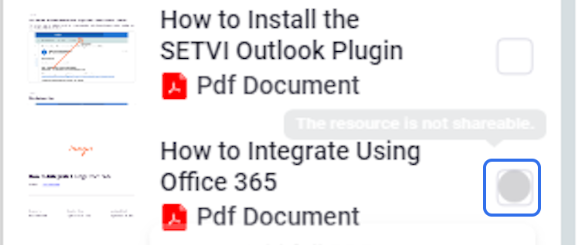
Step 3 — Select a resource.
Locate the resource you want to add and select its checkbox. You may select more than one resource.
Step 4 — Add the selected resources.
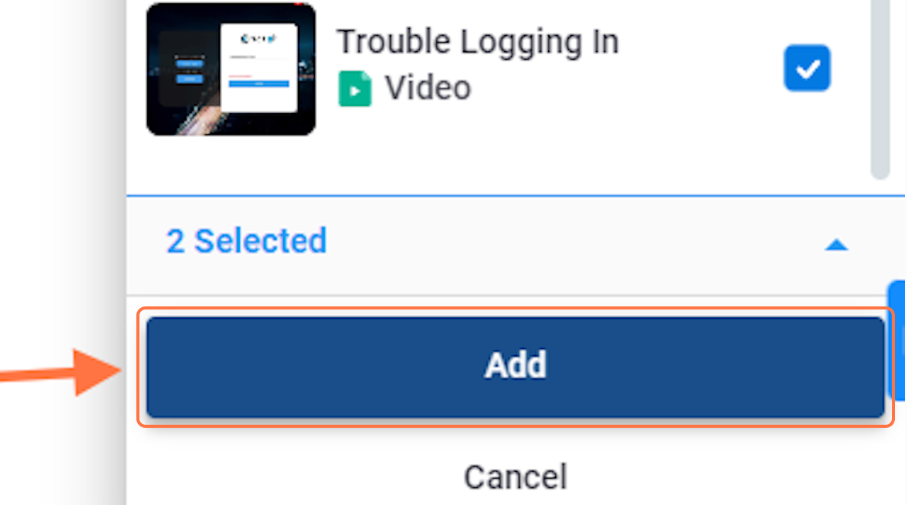
After selecting the desired resources, select Add.
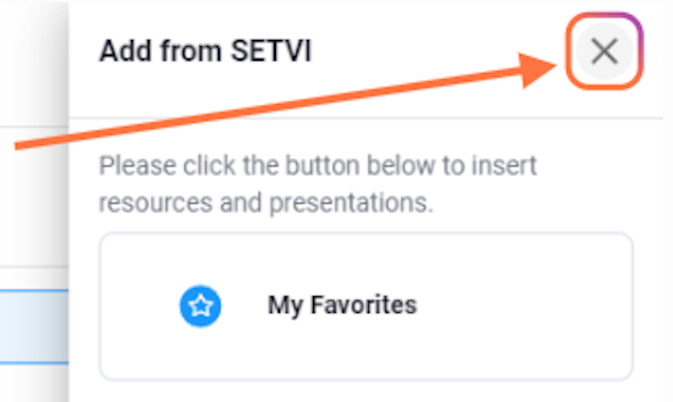
Step 5 — Close the Add Content panel.
After all desired resources have been added, select the X in the upper-right corner.