Step 1 — Go to https://engage.setvi.com/.
Step 2 — Log in to your Setvi account.
Step 3 — In the top-right corner, click on the name of your Setvi account.
Step 4 — Click on Settings.
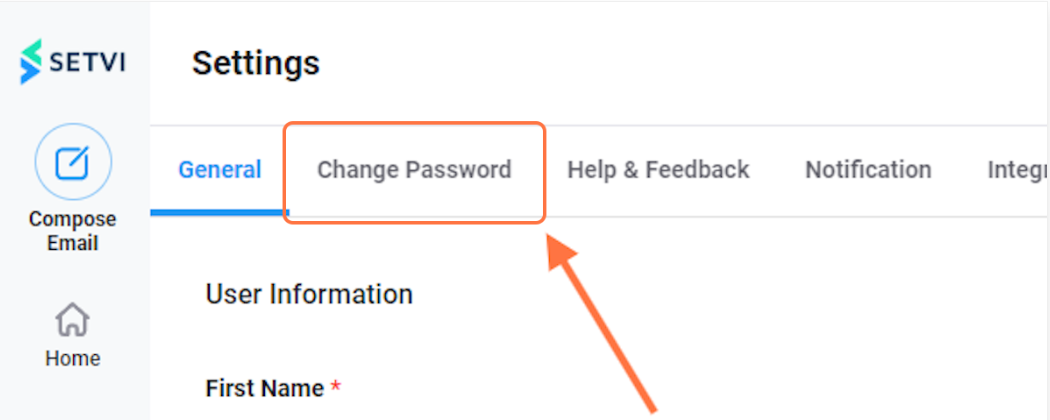
Step 5 — Click on Change Password.
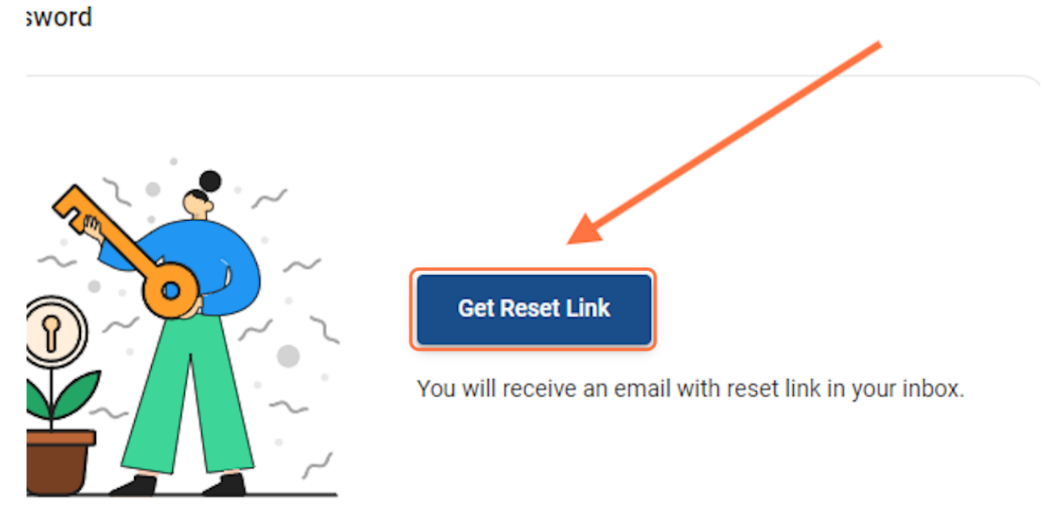
Step 6 — Click on Get Reset Link.
You will receive an email with a reset link in your inbox.
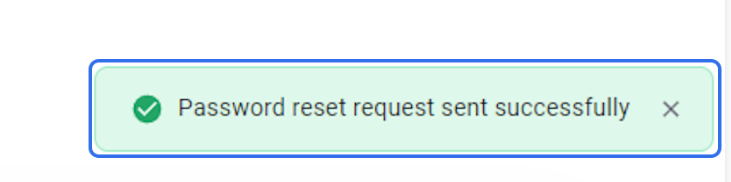
Step 7 — Confirm that the password-reset request was sent successfully.
A notification appears in the bottom-right corner.
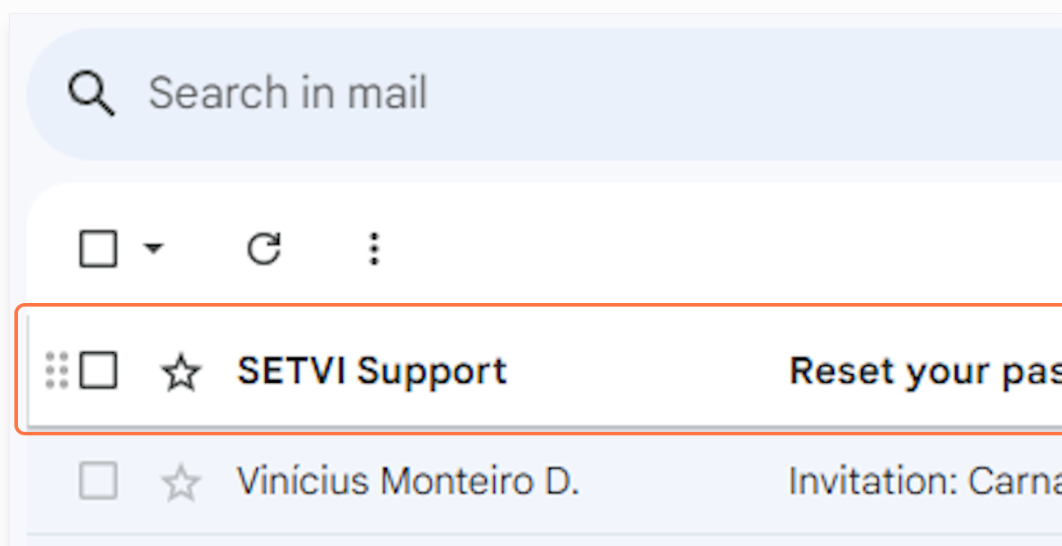
Step 8 — Go to your email inbox and open the email from SETVI Support.
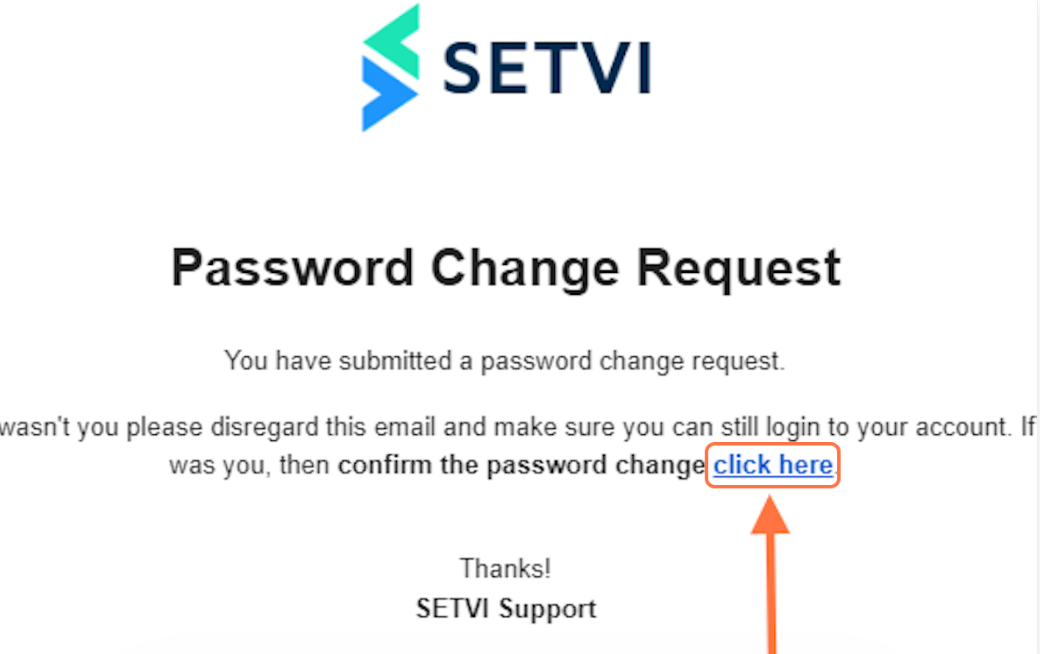
Step 9 — Click on Click here.
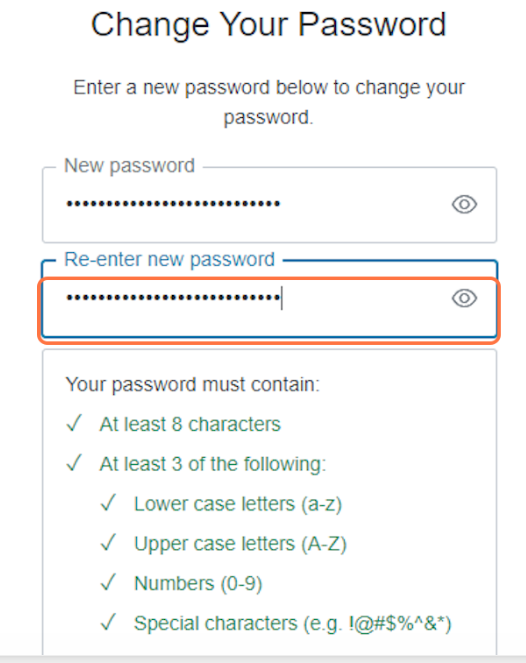
Step 10 — Enter and re-enter your new password.
Your password must contain:
- At least 8 characters
- At least 3 of the following:
- Lowercase letters (a-z)
- Uppercase letters (A-Z)
- Numbers (0-9)
- Special characters
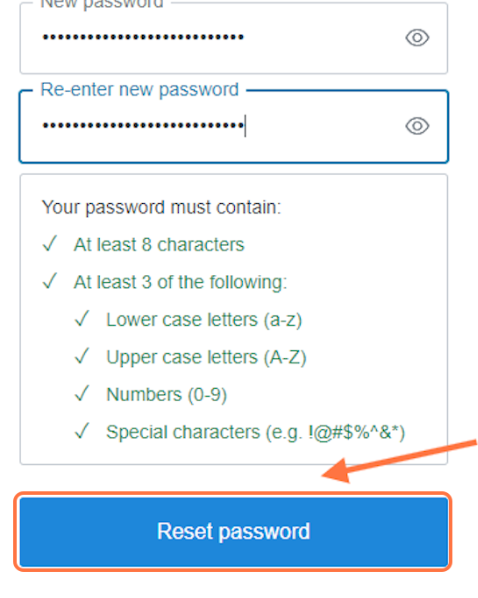
Step 11 — Click on Reset password when you are finished.
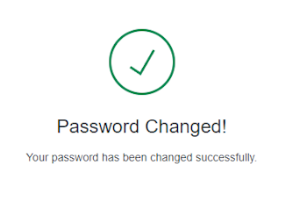
Step 12 — Confirm that your password was changed.