Step 1 — Open SETVI Engage Go to https://engage.setvi.com/.
Step 2 — Sign in
Step 3 — Open Workspaces
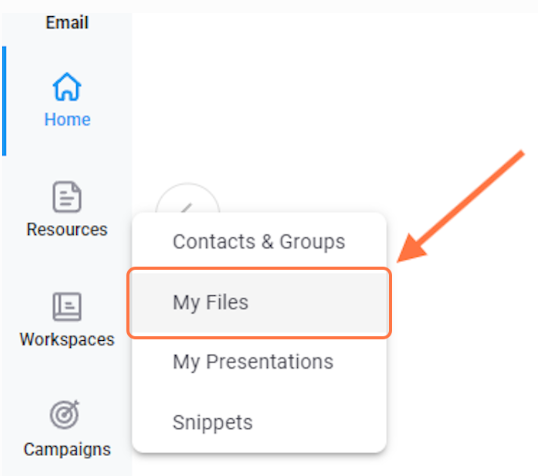
Step 4 — Open My Files
From the Workspaces menu, select My Files.
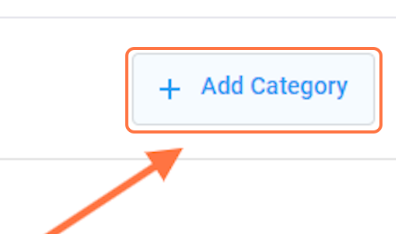
Step 5 — Add a category
Select Add Category.
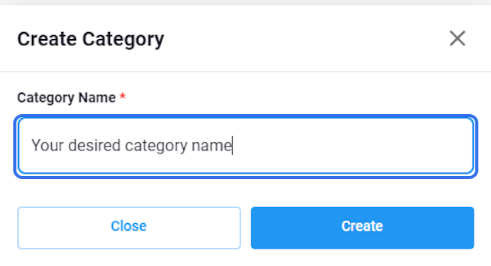
Step 6 — Enter the category name
In the Category Name field, enter the name you want to use for the category.
Choose a clear name that describes the files you plan to store in it.
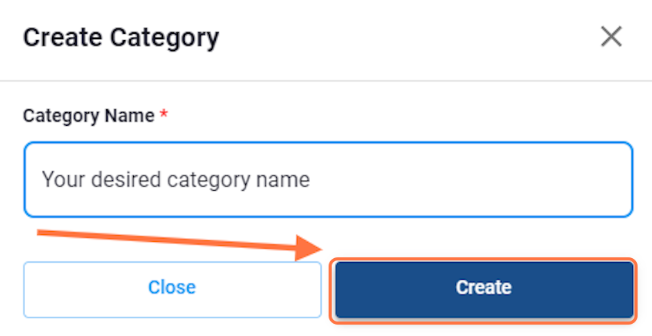
Step 7 — Create the category
Select Create. The new category will appear in My Files.