Step 1 — Go to https://engage.setvi.com/.
Step 2 — Log in to your Setvi account.
Step 3 — Click on Workspaces.
Step 4 — Click on Contacts & Groups.
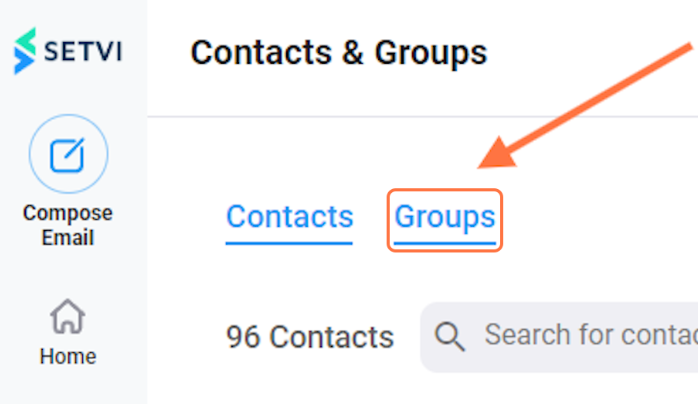
Step 5 — Click on Groups.
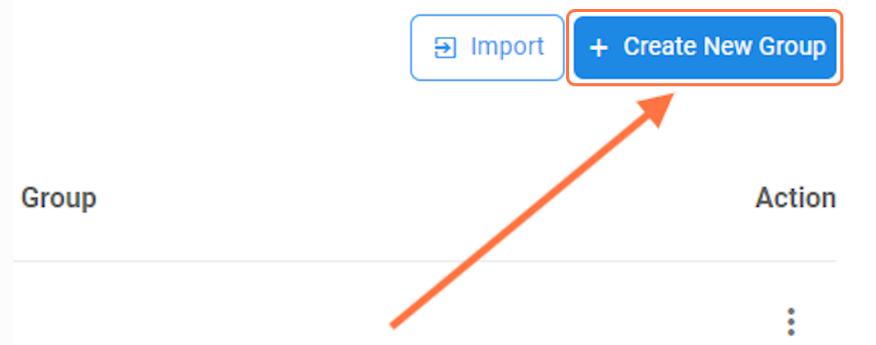
Step 6 — Click on Create New Group.
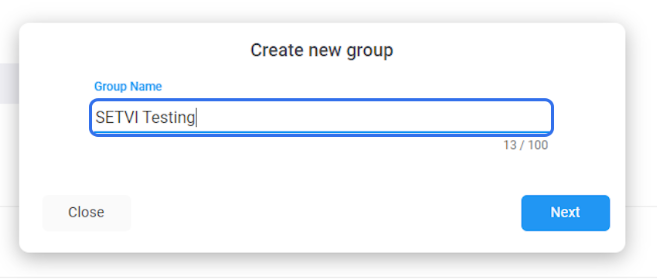
Step 7 — Enter your desired group name.
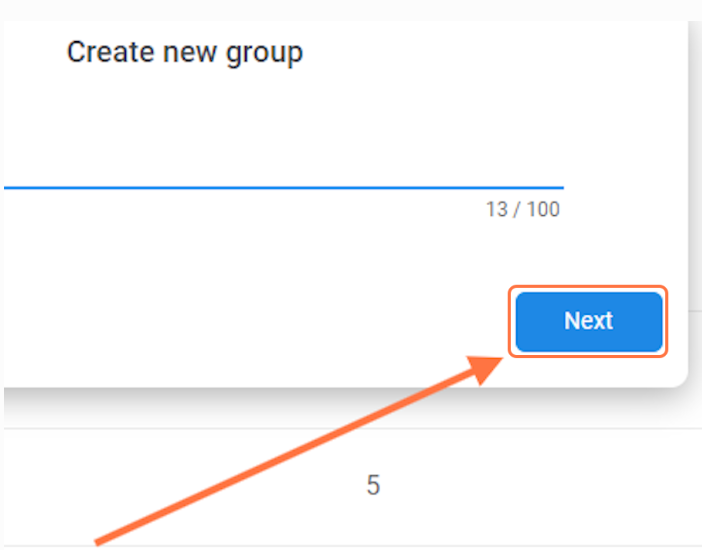
Step 8 — Click on Next.
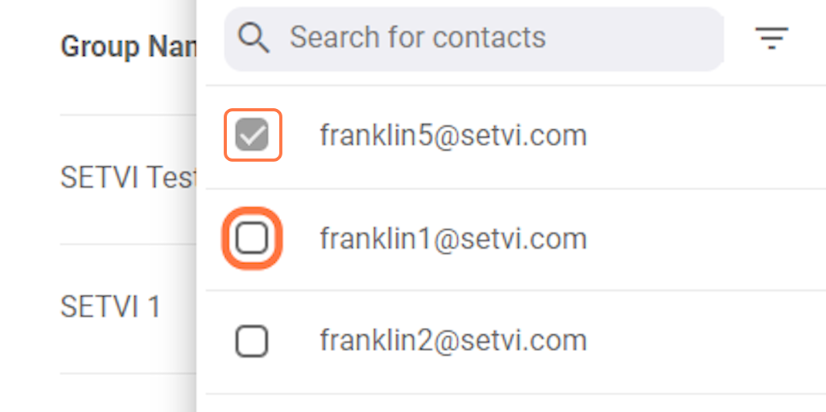
Step 9 — Select the contacts you want to add to the group.
Click the checkbox next to each contact you want to include.
Step 10 — Click on Save.
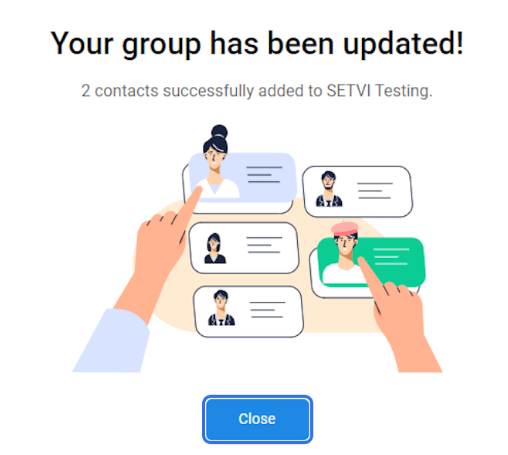
Step 11 — Click on Close.
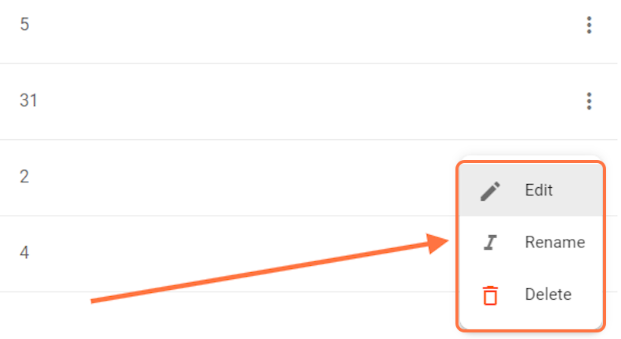
Step 12 — Open the options for an existing group.
Click the three dots on the right side of the group. The available options are:
- Edit
- Rename
- Delete
Step 13 — To edit the group, click on Edit.
The Edit Group window allows you to change the contacts included in the group.
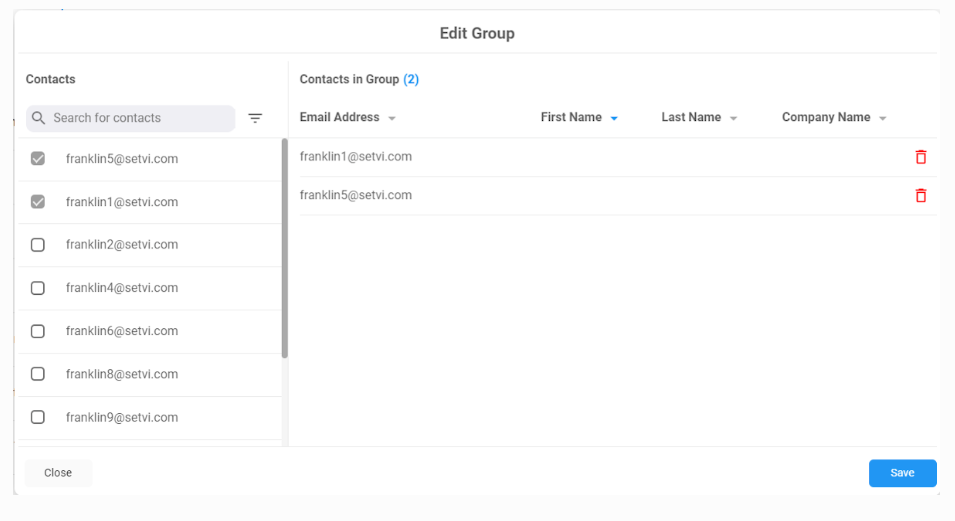
Step 14 — Click on Save when you have finished editing.