
Find Projects with Specific Items Quoted
Click on the Analytics tab.
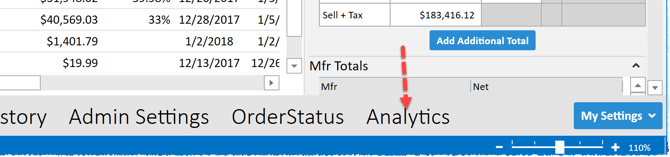
Navigate to the “BY MODEL” module.

You can:
- Sort by any column header.
- Search for a model in the search bar.
- Click on the filter or double-click the row to drill into the item and see which projects it was quoted on.

Filters in effect are displayed above the results. You can click the “X” to de-select a filter. Multiple filters can be selected concurrently.
You can:
- Sort by any column header.
- Search for a project in the search bar.
- Click on the “Open” icon or double-click the row to open the selected project.
Use the commands on the ribbon to set a date range, edit the layout of the Analytics modules, or export your results into Excel.
