
Step One:
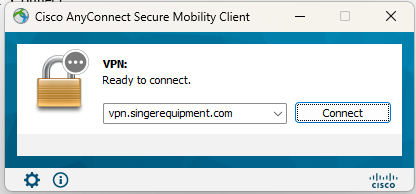
- Click onto the VPN or Citrix
(from home office only) - Click “connect”
- Enter PW
- From Duo Mobile App,
Click “approve” - On desktop, click “accept”
Step Two, Prelude 1st Login:
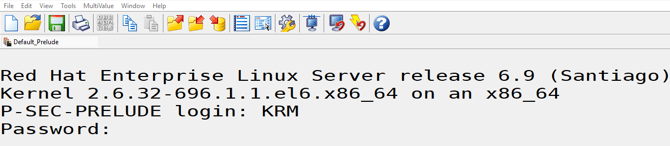
- Click into Prelude Icon on desktop
- Login: ___ (lower or UPPER CASE), “Enter”
- PW: ____ (lower or UPPER CASE), “Enter”
Step Three, 2nd Login:
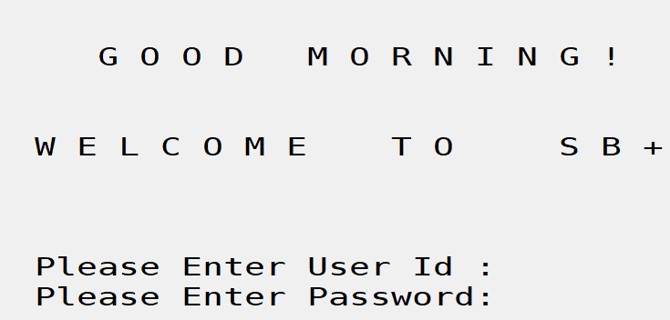
- Please Enter User ID: ____ (same as 1st login)
- PW: ____ (lower or UPPER CASE)
- “Enter”, “Enter”, Enter”
Note: Continue to Customer Service Menu, not
Sales Person Menu