
Log Into HubSpot
Step 1 — Go to Log into HubSpot.
Go to: Log into HubSpot
Step 2 — Enter your email address.
Enter your email address, after which the Log in with SSO should be:
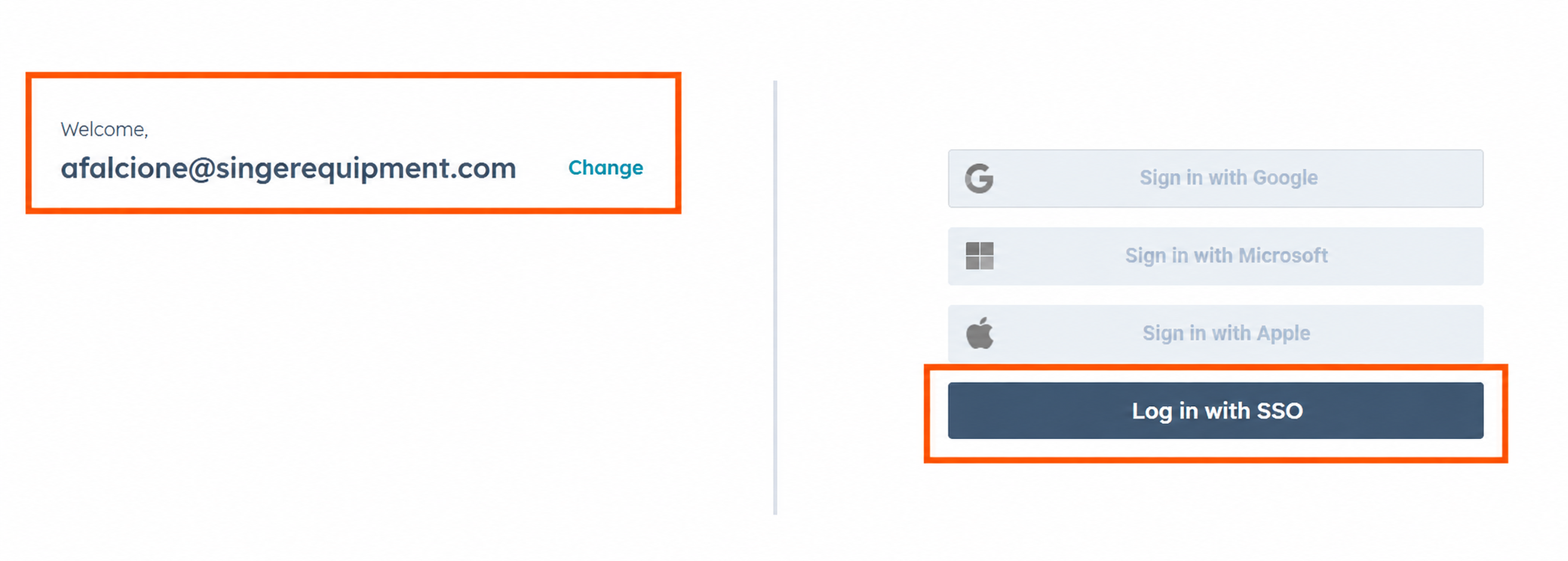
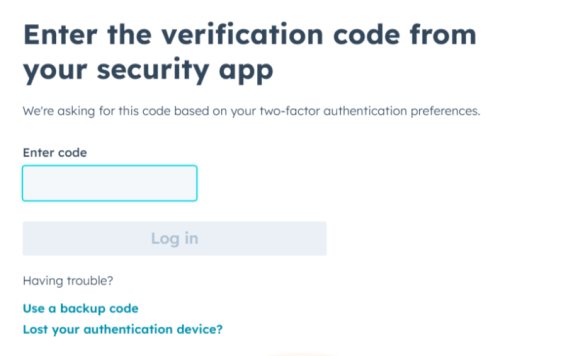
Step 3 — Enter the code for 2FA.
You will receive an email or text for a code for 2FA (2 factor authentication).
Congratulations! You are now inside Hubspot.
Log Into the Qlik Dashboards
Step 4 — Log into the Qlik dashboards.
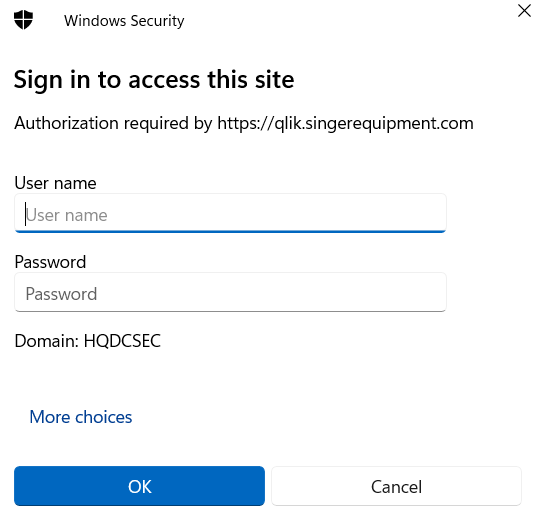
Log into the Qlik dashboards by entering your Windows username and password.
You will be prompted to log into Qlik daily.
Congratulations! You can now see your sales dashboards!
These four steps are the login process documented on page 1 of the source.