
Prepare Your Campaign Contacts
Step 1 — Identify the audience.
Select the customer segment, territory, promotion, or business need the campaign supports.
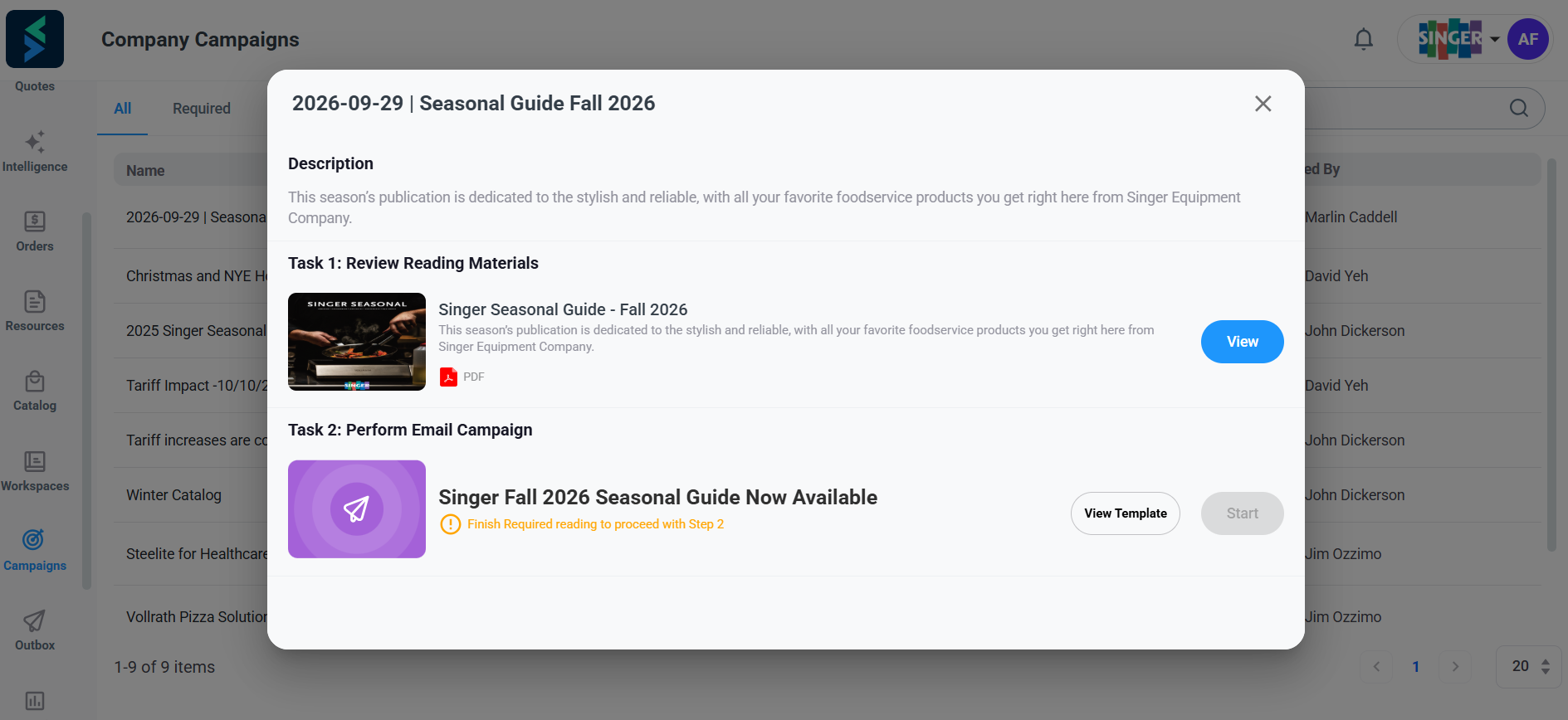
Step 2 — Choose the right contacts.
Include the decision-makers and influencers who need the product information, pricing, menu solutions, or other campaign materials.
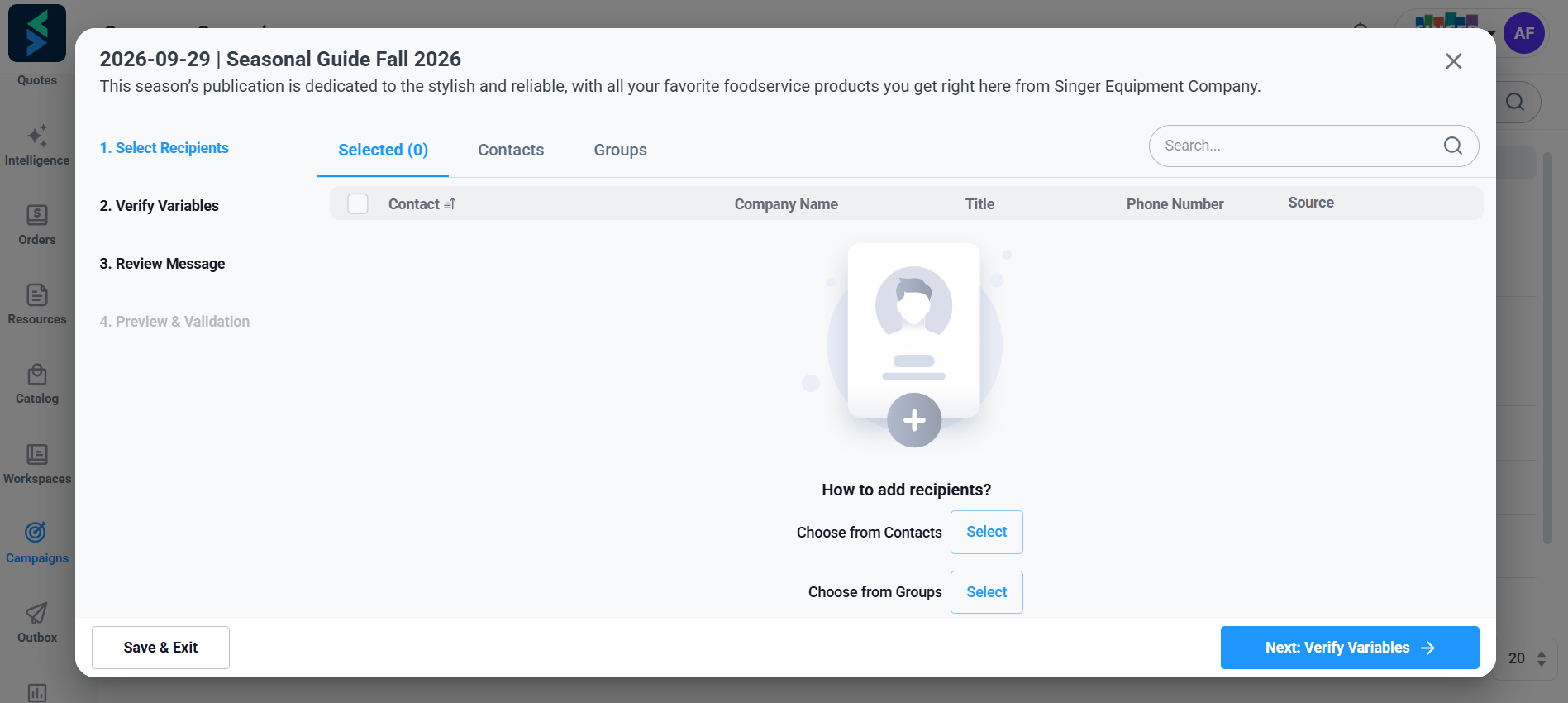
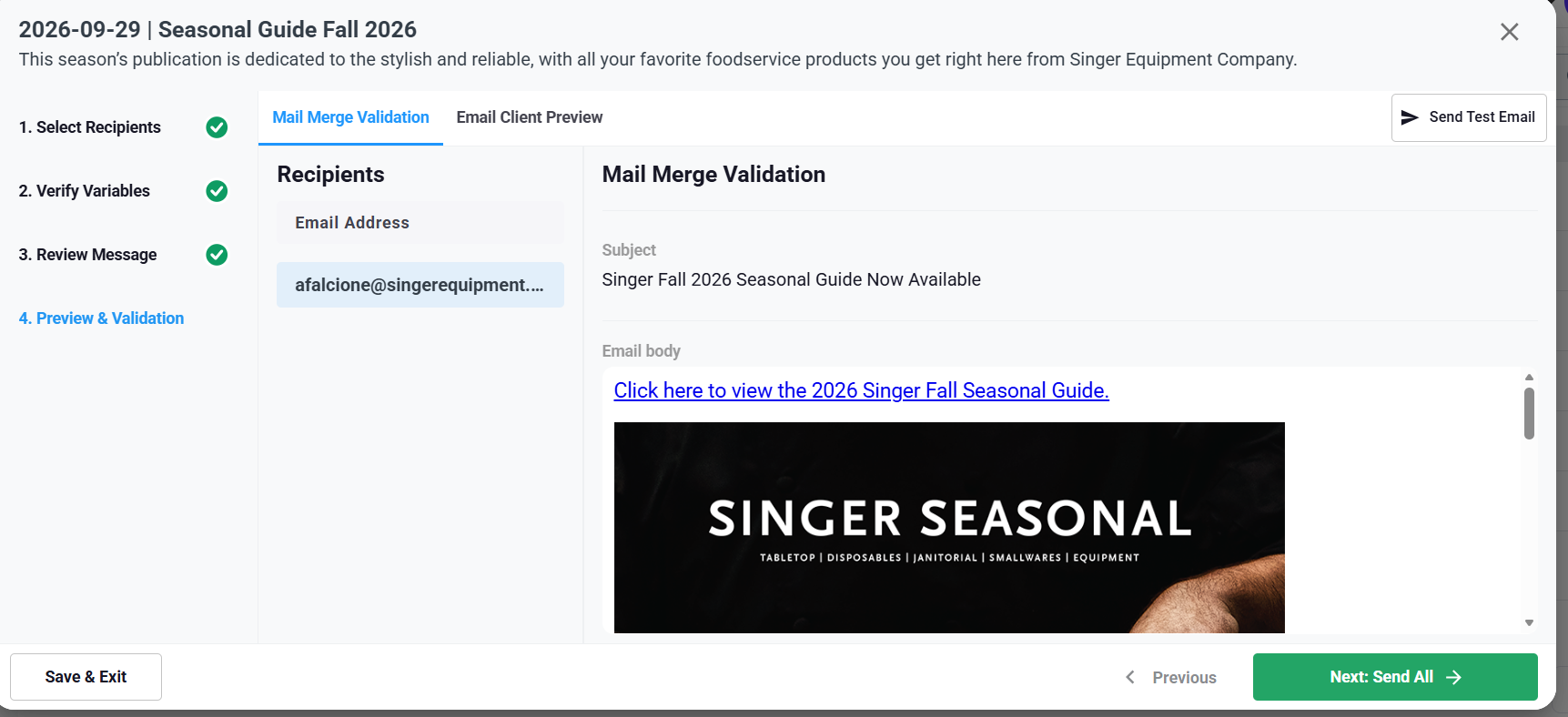
Step 3 — Confirm the contact records.
Verify that each recipient has the correct name, company, and email address.
Accurate contact data is especially important when the campaign uses personalization variables.
Step 4 — Create or select a contact group.
In Setvi, go to Workspaces, select Contacts and Groups, open the Group tab, and choose Create New Group.
Use the checkboxes or search field to add contacts, then select Save.
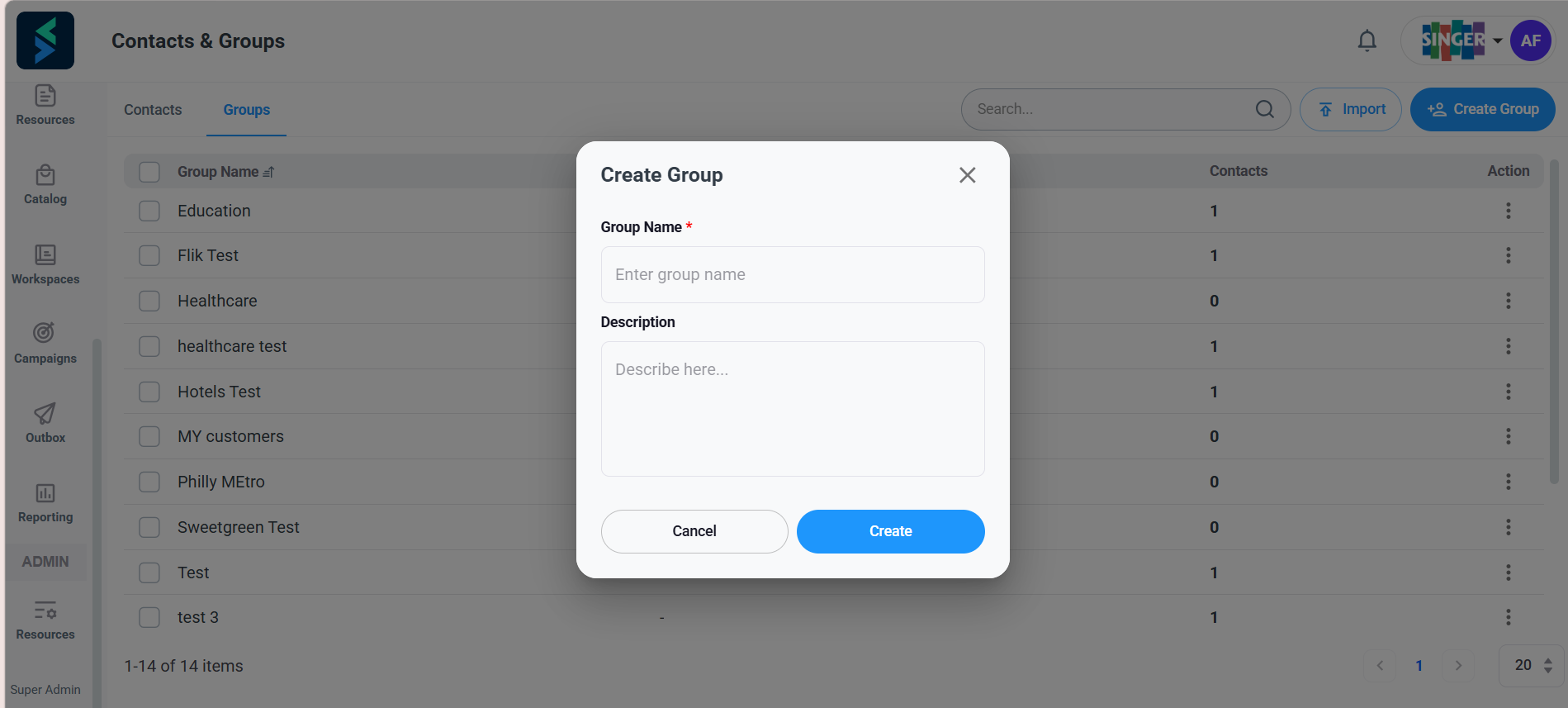
Use a Clear Group Name
Examples include:
- School Nutrition Directors North Region
- Independent Restaurants South Jersey
- Healthcare and Senior Living PA
- College Dining State Schools
- Camp and Seasonal Accounts Summer 2025
Use the Detailed Contact Articles When Needed
For complete instructions, see:
- How Do I Add, Edit, or Delete a Contact?
- How Do I Import Contacts from My Email Server?
- How Do I Import Contacts from an Excel Spreadsheet?
- How Do I Create, Edit, or Delete a Contact Group?