Overview
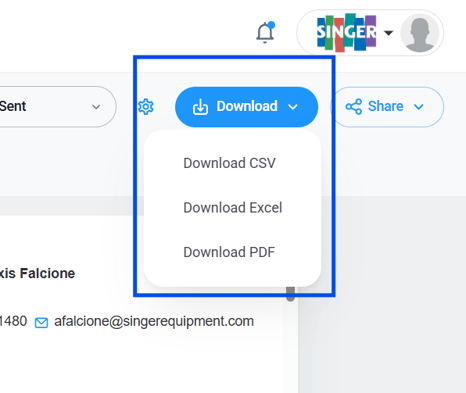
Setvi allows you to preview a quote to see how it will look when generated. You can also download the quote in CSV, Excel, or PDF format.
How to Preview a Quote
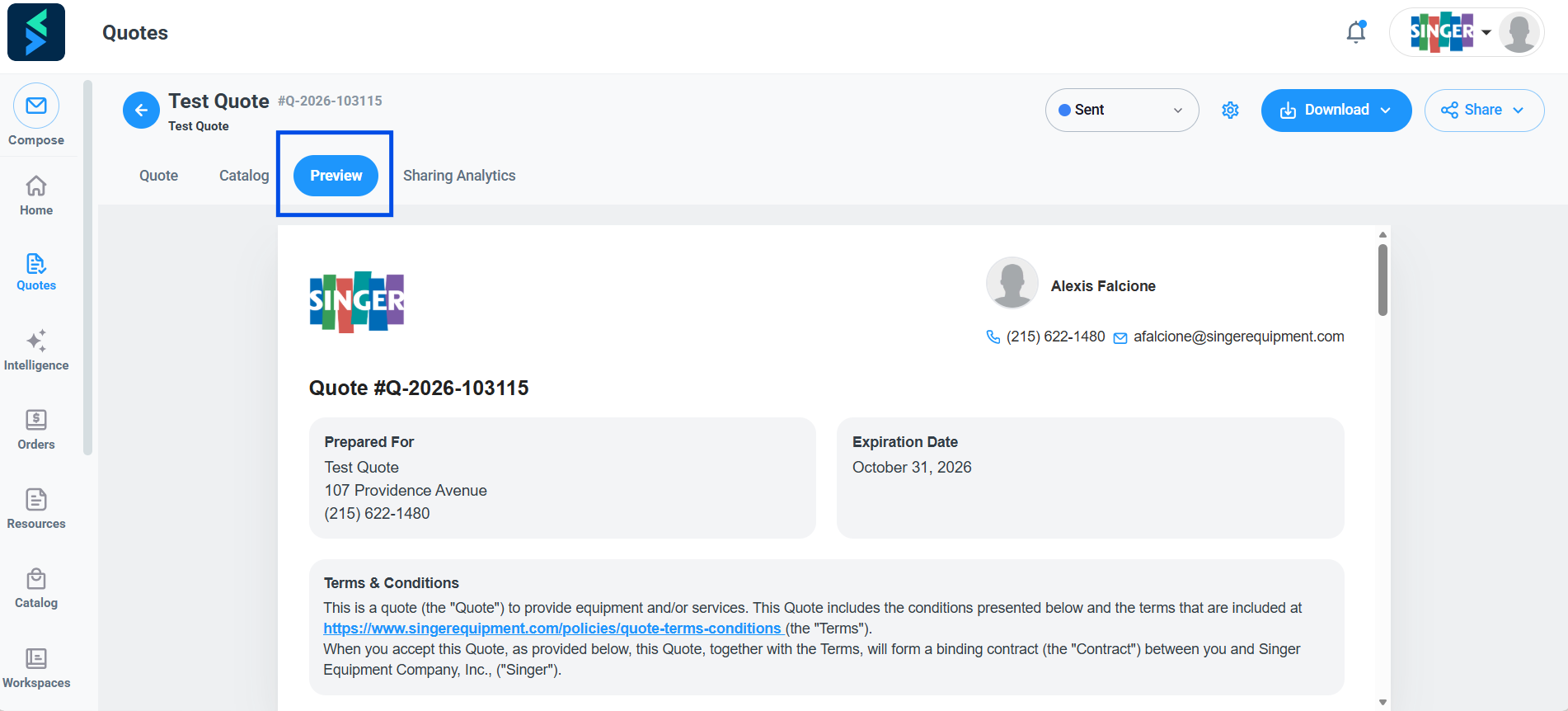
Step 1 — Select Preview.
Within the quote, click Preview.
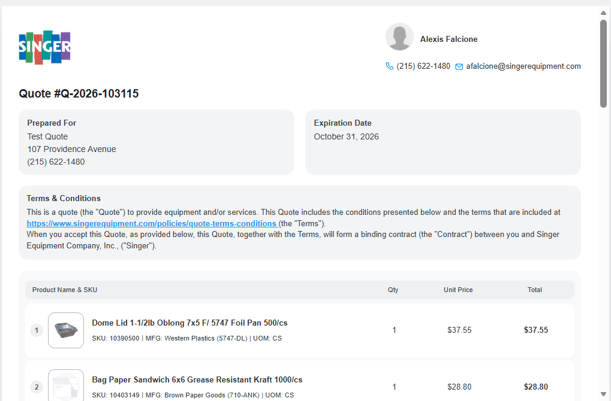
Step 2 — Review the quote preview.
Review how the quote will appear when generated.
How to Download a Quote
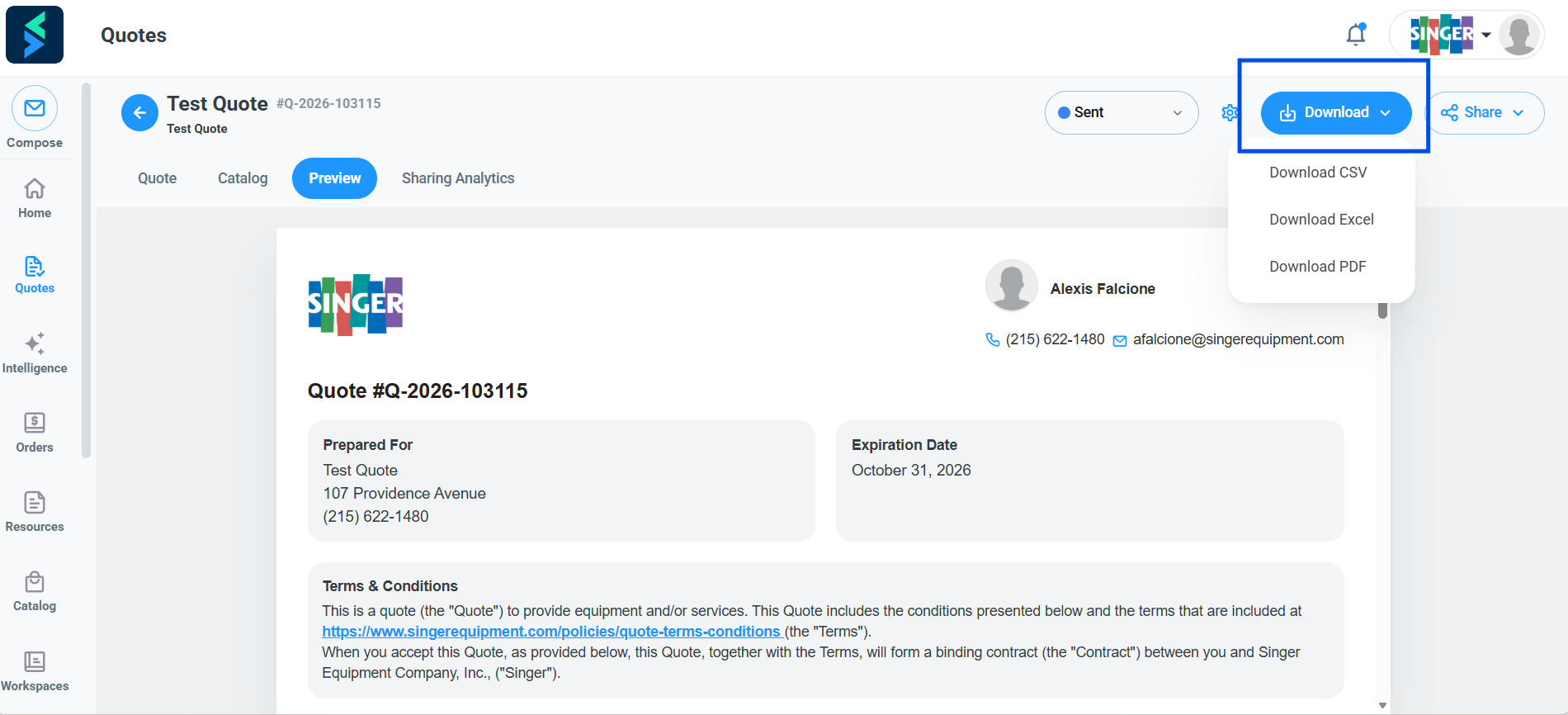
Step 3 — Select Download.
Click Download to access the available download formats.
Step 4 — Choose a file format.
Select the format you want to download:
- CSV
- Excel