Step 1 — Rearrange or remove a resource.
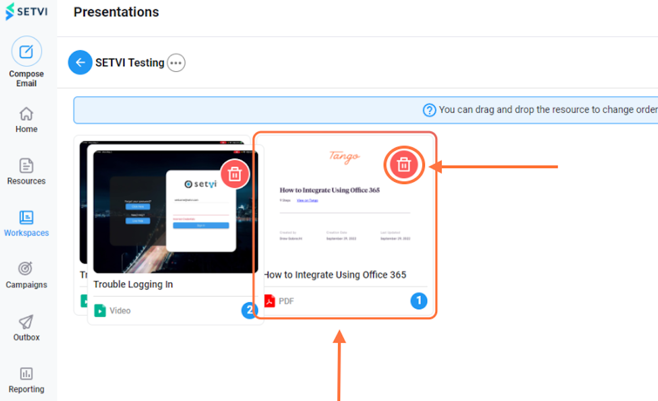
Click and drag a resource to change its position, or select the red trash-can icon to remove it from the presentation.
Step 2 — Save the changes.
Select Update when you have finished rearranging or removing resources.