
Overview
The Setvi Catalog provides several ways to narrow product results and locate products that meet a customer's needs.
You can search directly, browse product categories, or apply filters to refine the available products.
How to Search for a Product
Step 1 — Use the Search bar.
Use the Search bar at the top of the Catalog to enter product information or keywords.
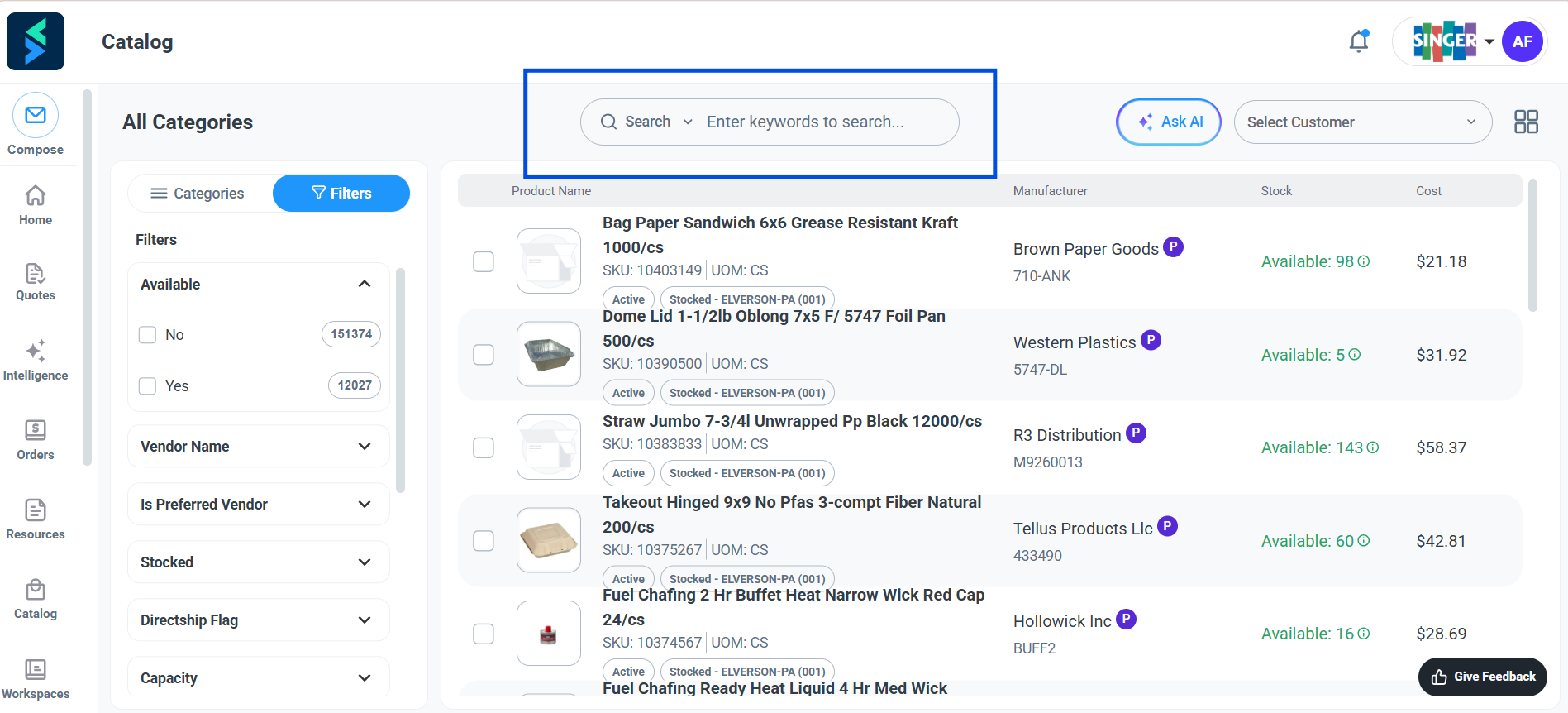
Search can be used when you already know identifying information about the product or have a specific product in mind.
How to Browse by Category
Step 2 — Select Categories.
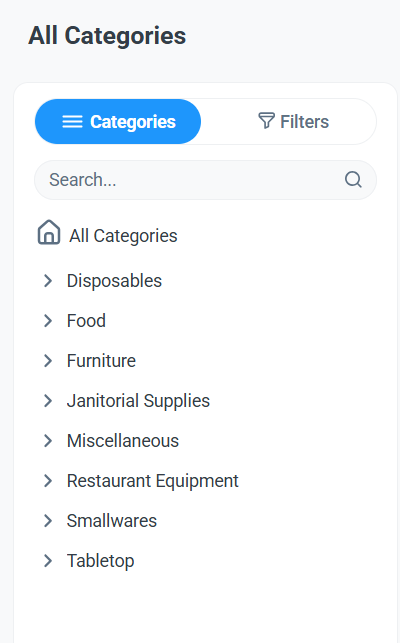
Click Categories to view the available product categories.
Step 3 — Browse the product categories.
Browse the available product categories.
Categories shown in Setvi may include:
- Disposables
- Food
- Furniture
- Janitorial Supplies
- Miscellaneous
- Restaurant Equipment
- Smallwares
- Tabletop
Step 4 — Select a category or subcategory.
Select a category or subcategory to narrow the products displayed. Click Done to save selections. Click Clear All to clear any selections.
How to Filter Products
Step 5 — Open Filters.
Select Filters to narrow the Catalog based on available product attributes.
Filters shown in the Catalog include:
- Available
- Vendor Name
- Is Preferred Vendor
- Stocked
- Directship Flag
- Capacity
Additional product-specific filters may appear depending on the products being viewed.
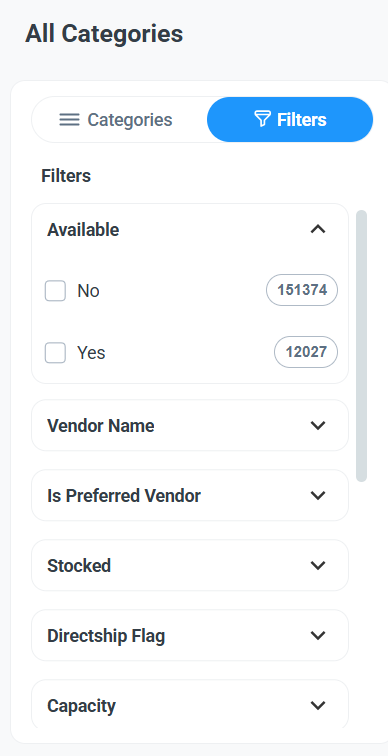
Step 6 — Apply a filter.
Expand a filter and select the appropriate option to refine your results. Click Clear All to clear any filters.
How to Change the Product View
The Catalog can display products in different layouts.
Step 7 — Select the view icon.
Use the view icon in the upper-right corner of the Catalog to switch between available product views.
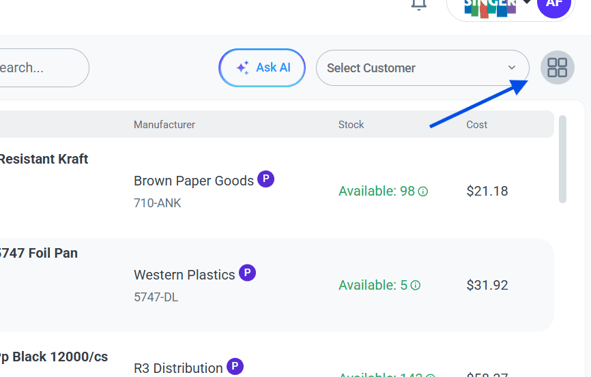
This allows you to choose the layout that is most useful when researching or presenting products.