Share a File from Workspaces
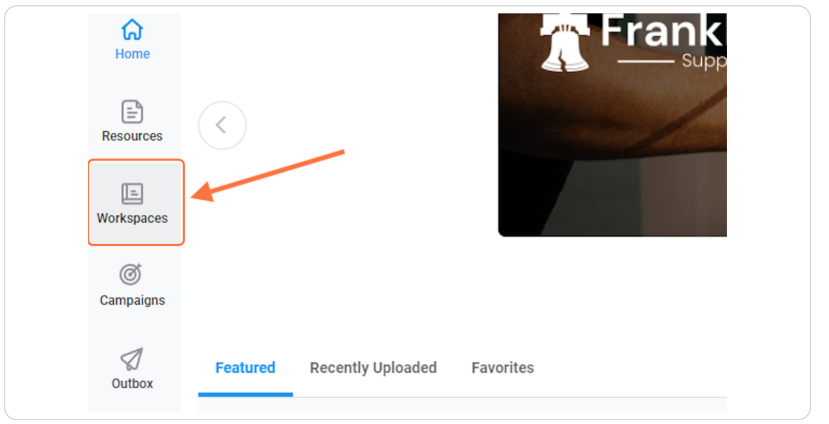
Step 1 — Open Workspaces within Setvi.
Click Workspaces.
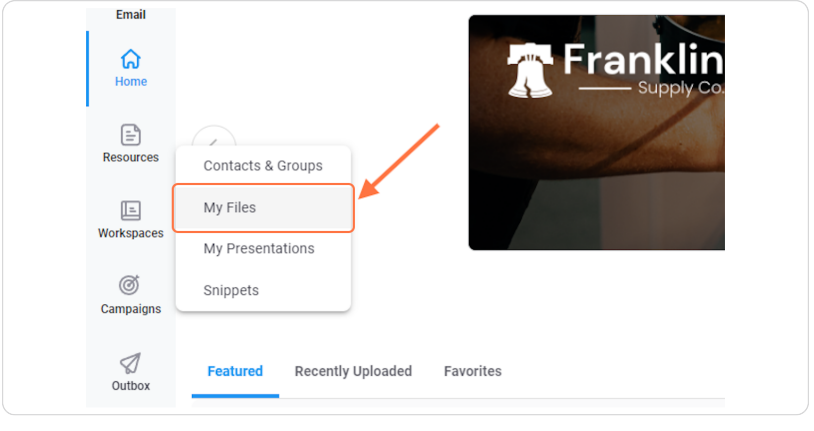
Step 2 — Open My Files.
Click My Files.
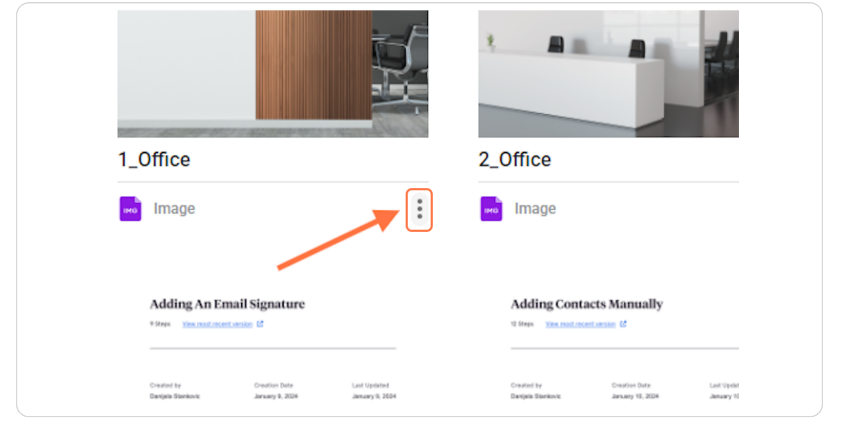
Step 3 — Select the file you want to send.
Click the three dots on the file that you want to send.
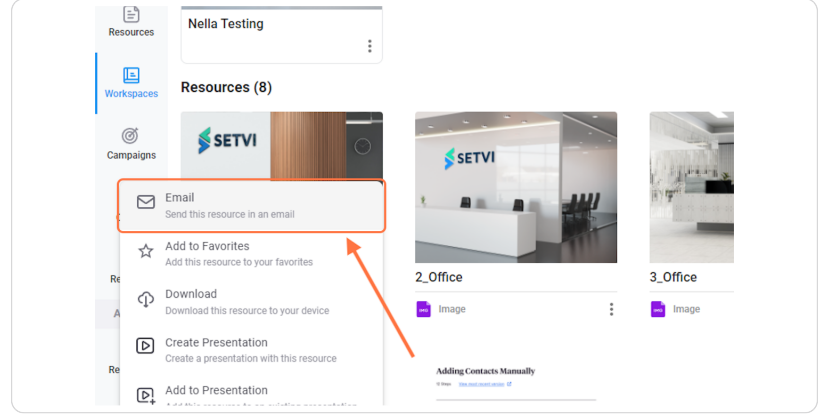
Step 4 — Select Email.
Click Email.
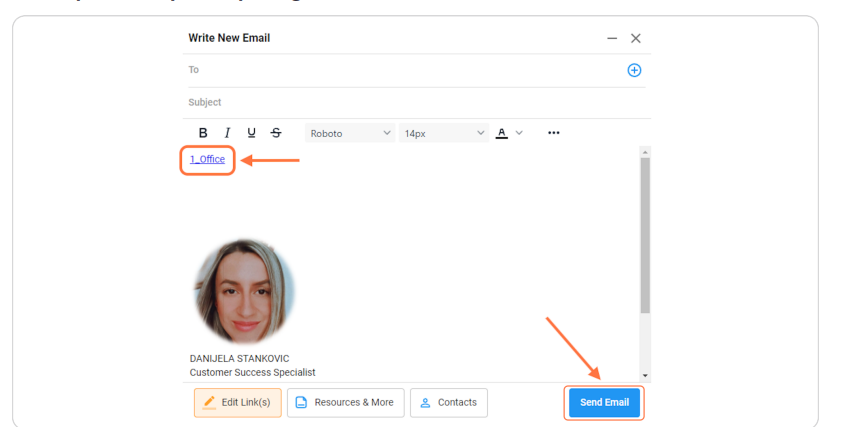
Step 5 — Send the email.
Once you set up everything, click Send Email.