
Overview
The Order Health section provides visibility into customer order lines that remain unfulfilled.
While the main Orders tab contains orders across all statuses, Order Health focuses specifically on items that are still considered open.
When to Use This
Use Order Health when you need to:
- Identify items that have not yet been fulfilled.
- Investigate outstanding order lines.
- Review open customer order activity.
- Determine whether an order requires additional follow-up.
How to Identify Open Order Lines
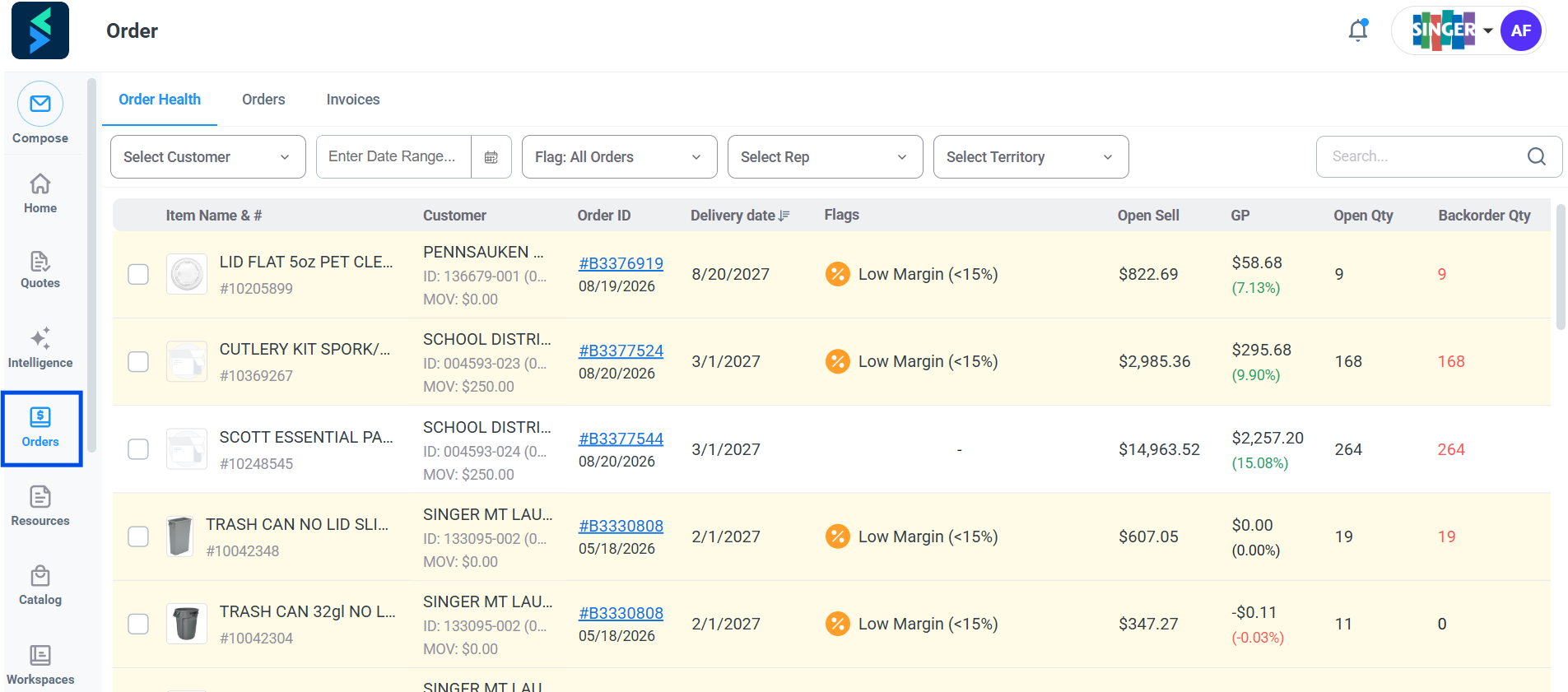
Step 1 — Open the Orders menu.
Navigate to the Orders menu in Setvi.
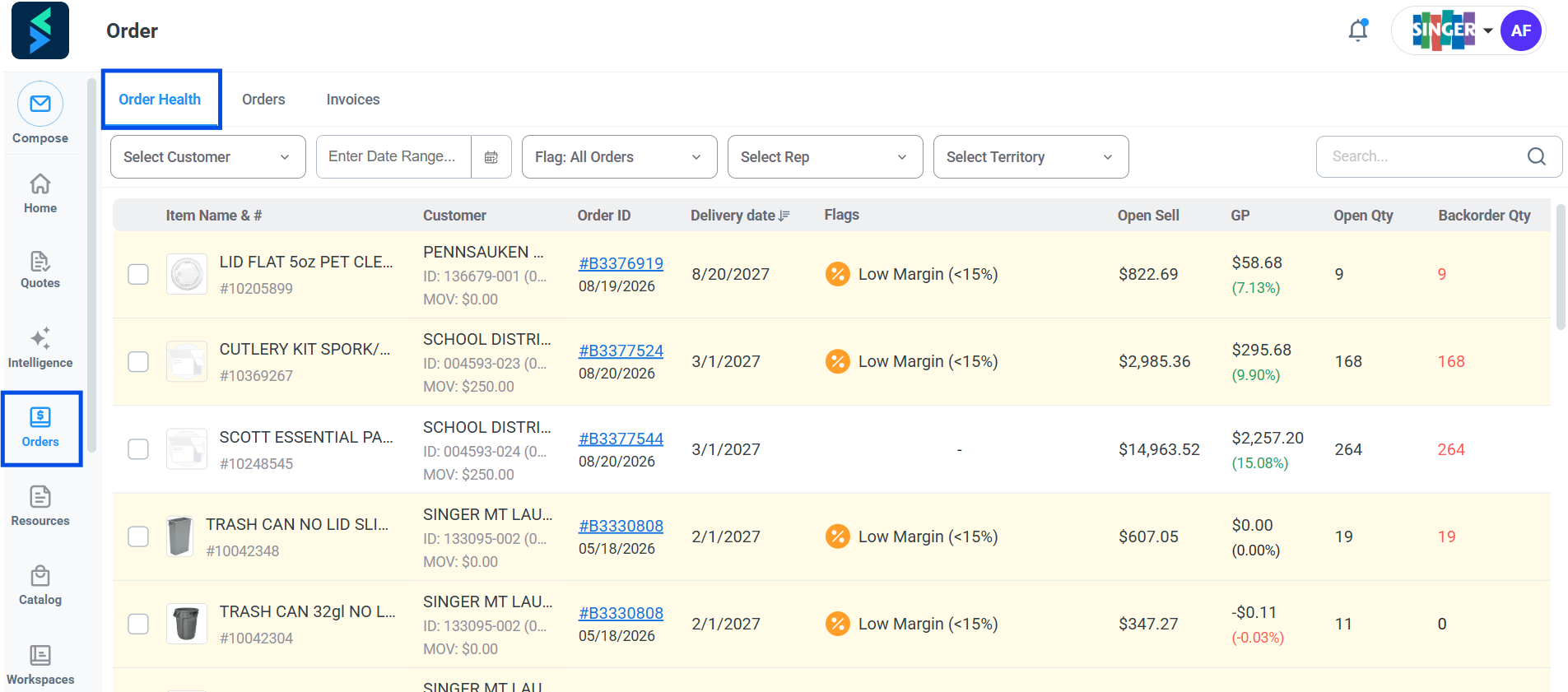
Step 2 — Select the Order Health tab.
Select the Order Health tab.
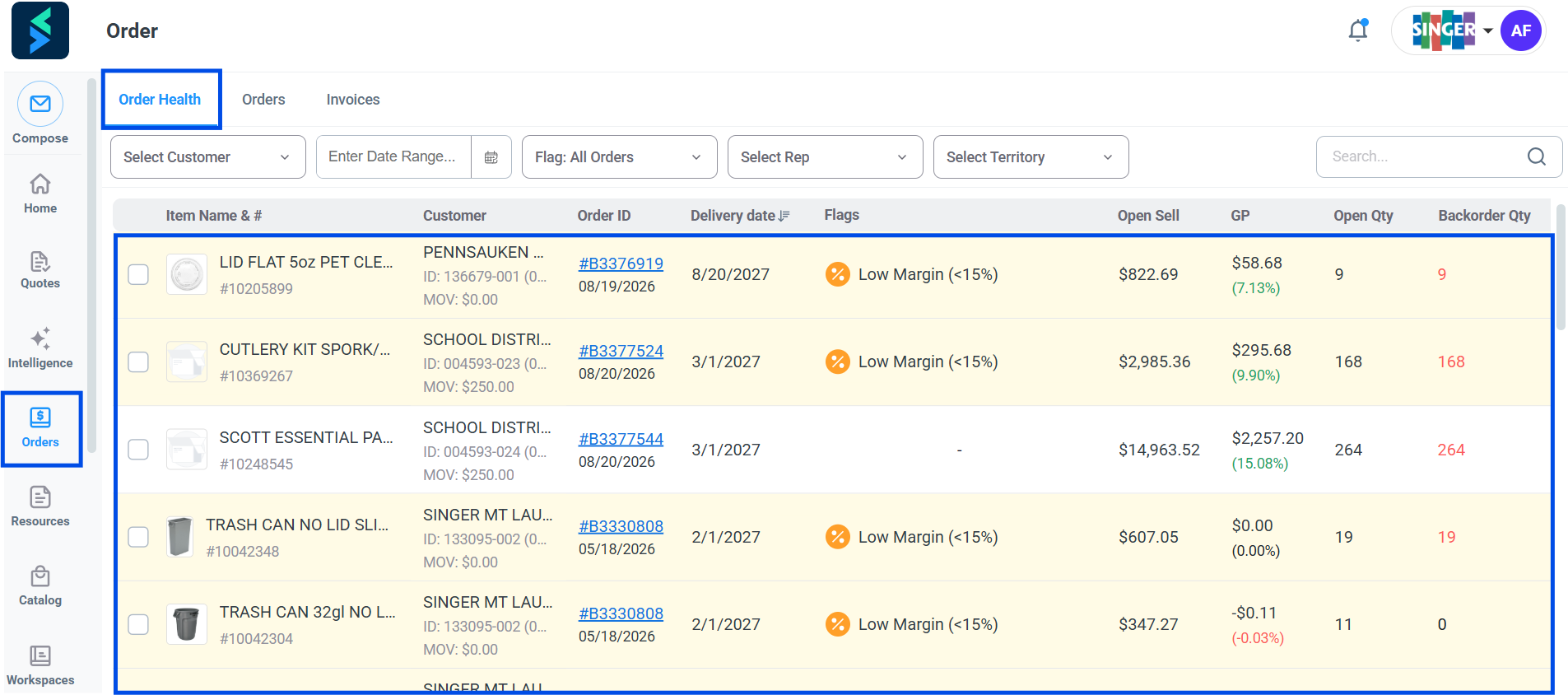
Step 3 — Review open order lines.
Review the open or unfulfilled order lines.
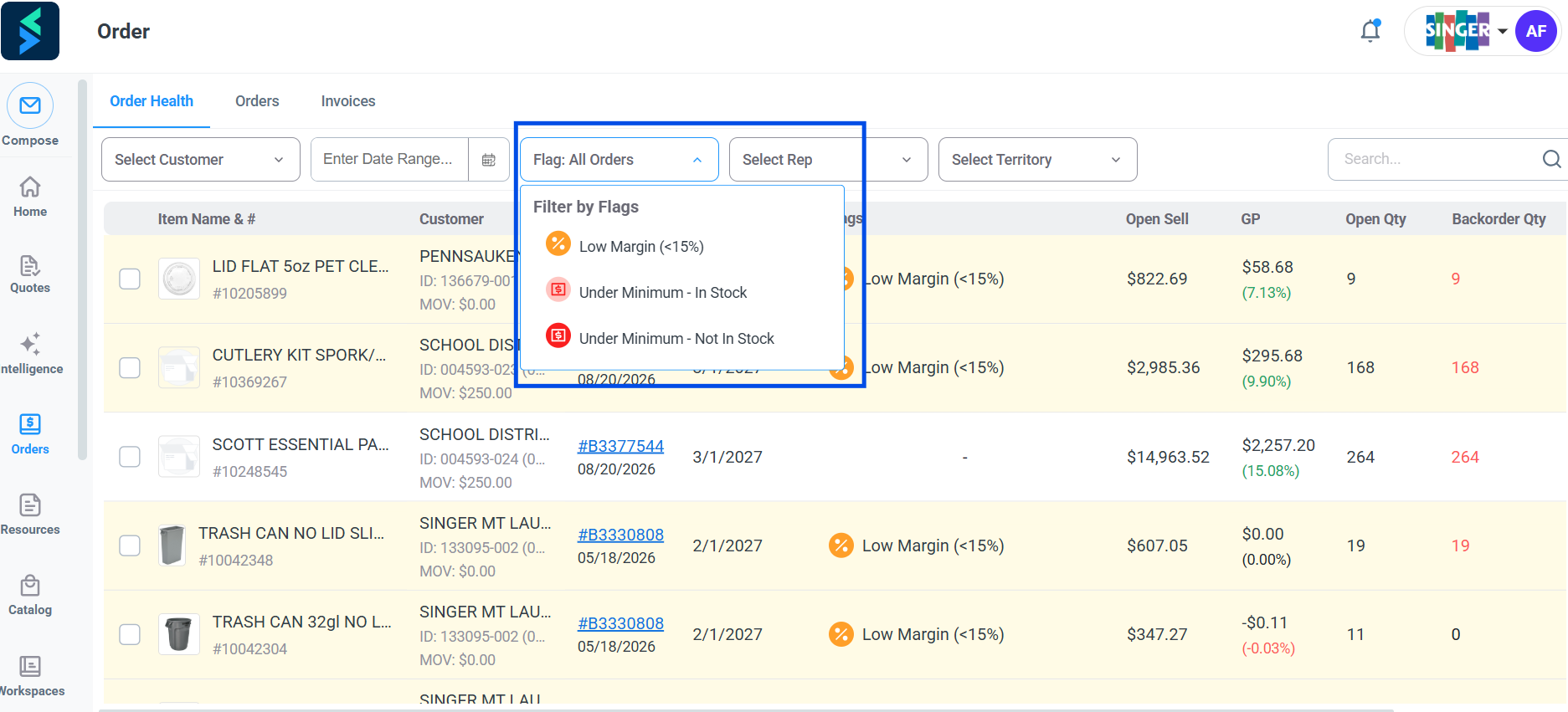
Step 4 — Investigate additional details.
Drill into the information when additional investigation is needed. You can use the Flag filter to filter by status.
An item may remain open for a variety of reasons, so Order Health should be used as a starting point for investigating the status of an outstanding order.
Order Health and the 3 PM Report
Order Health was originally designed to provide functionality similar to the traditional 3 PM report.
Unlike a scheduled report delivered by email, Order Health provides a broader and more current view of open order activity directly within Setvi.
The organization is still evaluating how Order Health may replace or supplement the existing 3 PM report process.